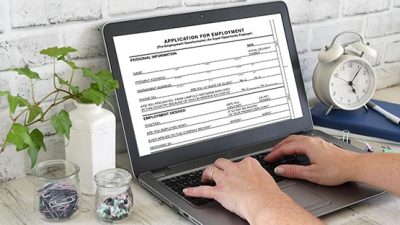
With PDF use on the rise there is a real concern over the security that can be provided by these documents. As they are able to be opened on any operating system and from any device, it is important to ensure they are well secured and protected before exporting or sharing it with anyone else. There are three ways that are easy to use to provide security for your PDF and they can be found within a free PDF mark up and form filler such as PDF Studio.
Password protection
Using a free PDF mark up and form filler you can not only fill out important forms and send them back to the necessary recipient, but you can also add a password to any document that requires. By adding a password you can ensure that others are unable to access your information or read the PDF that you have secured unless they have access to the password.
Limit user access
With the options included with this software you can limit which users are able to access each file. Only users who are approved by you are able to access the PDF or the information that is within it. This ensures almost complete control over the information that is obtained within your document and who is able to open the file. It works on all of your PDF documents, including those that you have created from nothing or the ones that have been sent to you and been updated. This does also allow others to limit your access to their documents, so in a workplace it allows for each person to provide limited access to the people who require it, without worry that it will go further than intended.
Encryption
By providing an encryption to your documents that are unable to be read by others outside of who you need to have access to it. It will not open and read as a clean document for anyone that is not intended to have access or who intercepts it as it is between sender and receiver.
Ensuring that our documents are secured is important not only for those with sensitive information or details but for many communications that you don’t want others to see. Forms that are filled out online, notes for a presentation, or a project that you don’t want seen outside of the group that is working on it. It is just one step that can be taken to limit access to any file that you create.
Support AFP



 Share
Share

Contributors