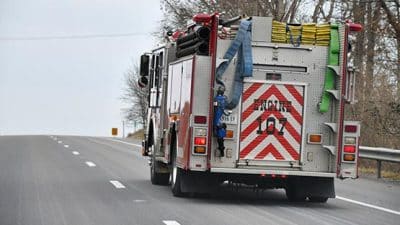
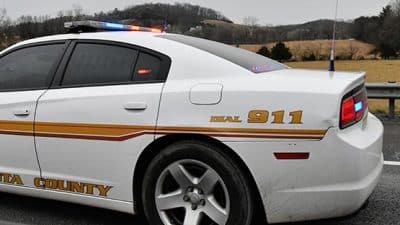
There is now another option when it comes to getting help in an emergency for the Albemarle-UVa-Charlottesville area and anyone who is visiting or passing through.
In December, the Emergency Communications Center (ECC) began accepting text messages to 911 from those who can’t call during an emergency.
Overview of Text-to-911
The preferred method for contacting 911 will always be to call, but the text-to-911 option should be used by anyone who is deaf or hard of hearing, is in a dangerous situation and afraid to speak out loud, or has a medical emergency that keeps them from talking.
An active data plan is required to use the text-to-911 service–simply connecting to Wi-Fi will not allow you to text-to-911. The service is available to anyone who lives, works, or travels to the Albemarle-UVa-Charlottesville area.
Residents should follow these guidelines when texting to 911
DO…
- Do call if you can, text if you can’t
- Do send a text message to 911 if you are deaf or hard-of-hearing, can’t speak, or it is not safe for you to speak out loud
- Do provide the exact location of the emergency in the text message
- Do call 911 if you don’t get a reply by text or if you get a reply that texting is not available
DO NOT…
- Do not text and drive
- Do not send photos, emojis, or videos to 911
- Do not copy others on the message to 911; text-to-911 cannot include more than one person
For questions, please contact Penny Banks, Senior Systems Engineer, at: 434-977-9041.
For more information, visit: www.communityemergency.org or www.albemarle.org/ECC.
Support AFP



 Share
Share

Contributors